The Ultimate n8n Beginner Setup: Zero to Automation in 10 Minutes
Stop struggling with manual tunnels and databases. Here is a complete guide to running n8n, PostgreSQL, and ngrok in a single Docker command.
Introduction#
Automation engineers often hit a wall before they even build their first workflow: the setup. Configuring a database, setting up a reverse proxy for webhooks, and managing versions can turn a fun afternoon of building into a DevOps nightmare.
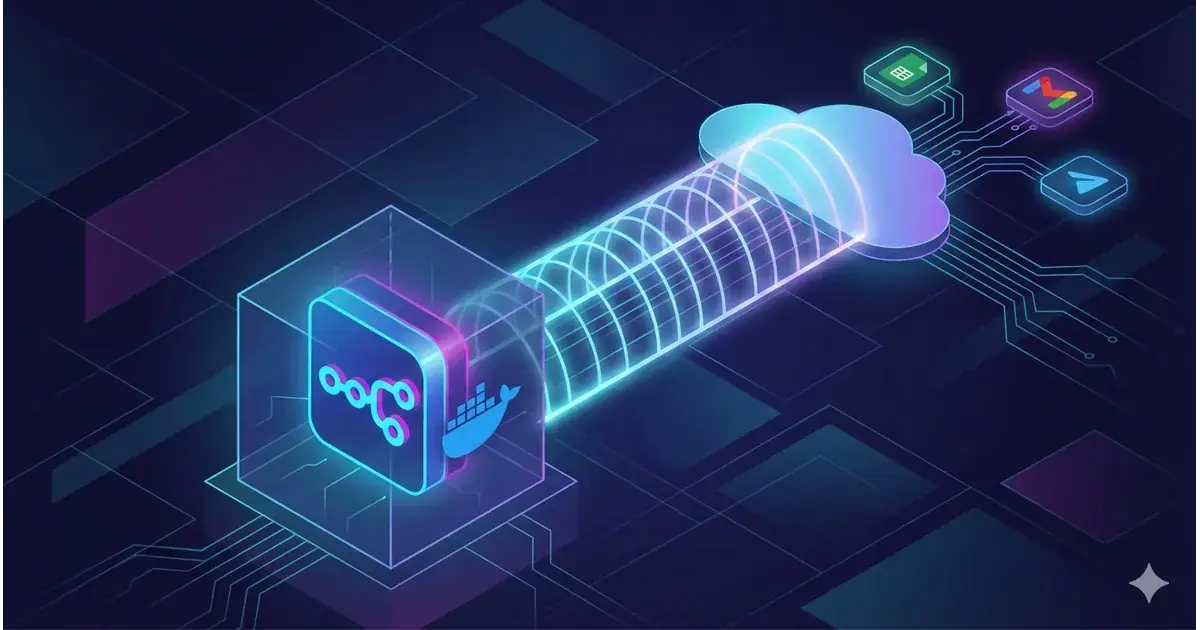
We have streamlined this process. By leveraging Docker Compose, we can bundle the automation engine (n8n), the database (PostgreSQL), and the tunnel (ngrok) into a single, coherent stack.
Prerequisites#
Before we deploy the stack, ensure your environment is ready. You need three standard tools:
- Docker Desktop: The engine that runs our containers.
- Git: For cloning the repository.
- Visual Studio Code: For editing configuration files.
The Architecture#
This setup uses a "sidecar" pattern where ngrok sits alongside n8n, handling the traffic automatically.
"Zero external ngrok install. Everything runs in Docker. This is the cleanest stack you will find."
Step 1: Clone and Configure#
First, we need to pull the orchestration files to your local machine.
git clone https://github.com/veristamp/n8n-Beginner-setup.git
cd n8n-Beginner-setup
We provide a template for your environment variables. Create your production config by copying the example:
cp example.env .envStep 2: The Tunnel (ngrok)#
To receive webhooks (like form submissions) on your local machine, n8n needs a public URL. We use ngrok for this.
- Log in to the ngrok dashboard(opens in a new tab).
- Navigate to Cloud Edge → Domains and reserve a free domain (e.g.,
my-cool-n8n.ngrok.io). - Copy your Authtoken from the dashboard.
Open your .env file and populate it:
NGROK_AUTHTOKEN=your_authtoken_here
NGROK_DOMAIN=my-cool-n8n.ngrok.io
Step 3: Launch#
With the configuration set, ignite the stack.
docker compose up -dWait about 15 seconds for the database to initialize. Then, visit https://your-ngrok-domain to create your admin account.
connecting the Ecosystem#
An automation tool is only as good as its integrations. We will set up Google Cloud and Telegram to create a full lead-capture loop.
Google OAuth (The Tricky Part)#
To let n8n read Sheets and send Gmail, you need a Google Cloud Project.
- Go to the Google Cloud Console and create a project.
- Enable the Google Sheets API and Gmail API.
- Create OAuth Client ID credentials (Web Application).
Input the Client ID and Secret into n8n's Credentials section.
Telegram Bot#
For instant notifications, Telegram is superior to email.
- Message
@BotFatheron Telegram. - Send
/newbot. - Copy the API Token provided.
- Paste this into the Telegram Bot API credential in n8n.
The Workflow: Lead Capture#
We have included a pre-built workflow file (workflows/lead-capture.json) in the repository. Import this via Workflows → Import from File.
The Logic Flow:
- Webhook: Receives data from an HTML form.
- Google Sheets: Appends the lead data.
- Telegram: Alerts you instantly ("New Lead!").
- Gmail: Sends a welcome email to the user.
The Frontend Interface#
You don't need a React app to test this. Create a simple form.html file to post data to your webhook:
<form action="https://YOUR_NGROK_DOMAIN/webhook/form" method="POST">
  <input type="text" name="name" placeholder="Your Name" required />
  <input type="email" name="email" placeholder="[email protected]" required />
  <button type="submit">Get Early Access</button>
</form>Troubleshooting#
Even with Docker, things can go wrong. Here are the common fixes:
- 502 Bad Gateway: The n8n container hasn't finished booting. Wait 60 seconds.
- PostgreSQL Unhealthy: If the database corrupts during testing, reset the volumes (warning: deletes data):
docker compose down -v && docker compose up -d - Redirect URI Mismatch: This is always a typo in the Google Cloud Console. Double-check the
httpsand the/oauth2/callbacksuffix.
Conclusion#
You now have a production-grade automation environment running locally. By containerizing the stack, we ensure that your development environment is consistent, portable, and easy to reset.
Start building.